












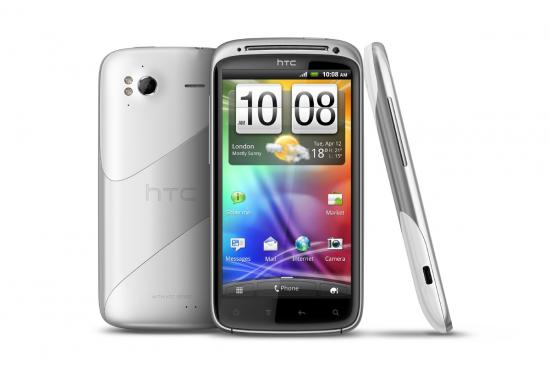
For those of you that have bricked your HTC Sensation there are something called RUU’s that will allow you to flash the device back to a stock ROM. Flashing back using this method will allow you to receive OTA (over the air) updates and will put your phone back in working order. The method below does require a Windows PC.
Android Advice cannot ensure that this method works in every case although it has been used successfully previous to this post. Also please take note that if you are bricked because of hardware issues this will not work.
How to Un-Brick the HTC Sensation 4G:
- Download the RUU File (Download Link)
- Plug your HTC Sensation into PC via USB
- Make sure Sensation is in Charge only Mode
- Run the RUU file and sit back
- Congrats you have unblocked your HTC Sensation 4G
While this method is to unblock generally soft bricked Sensations it can also be used to flash your device back to its stock ROM. This is for sending in for replacement or just because you want to flash back to stock for an official update to the device. Please let us know below if you have any issues and or have anything else to say related.
Hey,
thanks for your post.
I’ve downloaded a few RUUs, i think they are the right ones, for Tmobile usa. i got a older one a the most recent one, but when i try to install them it will work fine all the way till it says checking……… rebooting booloader…….. and then waiting for bootloader………. it eventually gives me an error 171 usb connection or something like that.
please help!