












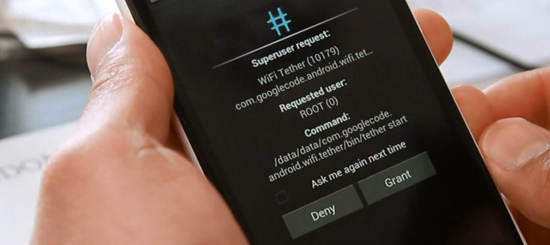
The root process for the HTC One X until now has been a long process but thanks to XDA member sparkym3 there is a one click root available for the popular new device. The HTC One X is HTC’s newest flagship phone that combines power and a beautiful display. Rooting your HTC One X is at your own risk and Android Advice in no way is responsible for your device.
One Click Root Instructions HTC One X:
- Download and install HTC Mobile Phone Drivers
- HTC One X Driver Windows 32-bit (Download Link)
- HTC One X Driver Windows 64-bit (Download Link)
- Download root the Exploit (Download Link)
- Extract root.zip where you can find it on your Computer
- Enable USB Debugging on your HTC One X
- “Settings -> Developer options -> USB debugging”
- Connect your HTC One X to your Computer via USB
- Run the root.bat on your Windows PC
- or root-linux.sh for Linux
- or root-mac.sh for Max OSX
- Be patient for the device to reboot a few times
- Congrats your HTC One X is Rooted!
If you run into any issues please feel free to ask questions below. Also I have posted the drivers for the Windows HTC mobile drivers but the others can be easily found via Google.